Transfer site ownership
You can transfer ownership of a site to another Pageviews user. This is useful when a site changes hands, or when you want someone else to manage the billing and top-level settings.
How to transfer ownership
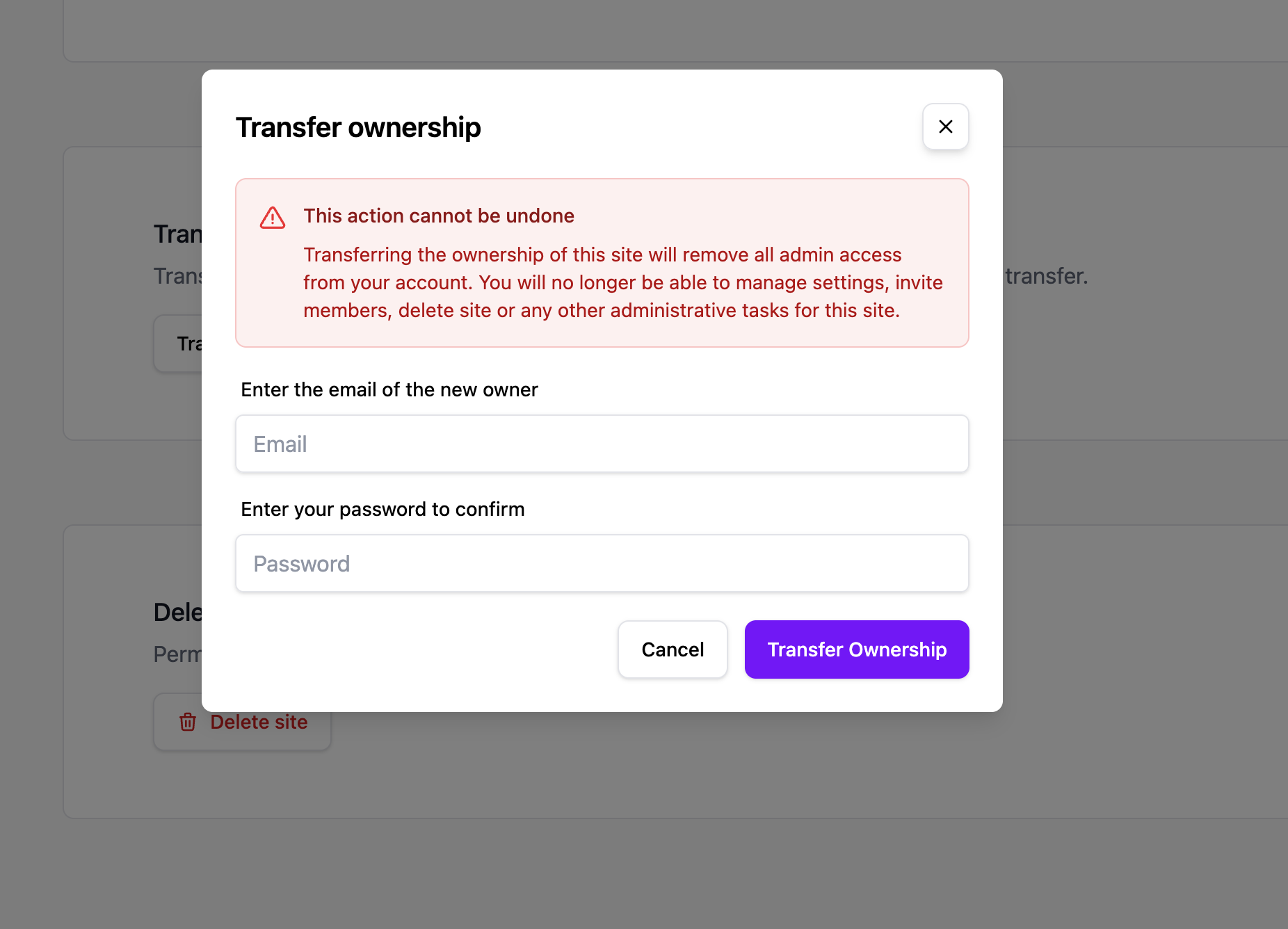
- Go to Site Settings → General.
- Scroll to the Transfer Ownership section.
- Enter the email address of the new owner. They must already have a Pageviews account.
- Confirm the transfer.
What happens after transfer
- The new owner gets full Owner permissions for the site.
- You become an Admin on the site — you retain access to the dashboard and settings, but no longer control billing or ownership.
- All existing team members keep their current roles.
- All analytics data, goals, funnels, and settings are preserved.
Requirements
- Only the current Owner can transfer ownership.
- The new owner must have an existing Pageviews account.
- The site's subscription and billing will transfer to the new owner's account.