General site settings
The General settings page lets you manage your site's basic information and access your tracking snippet. Navigate to Site Settings → General to access these settings.
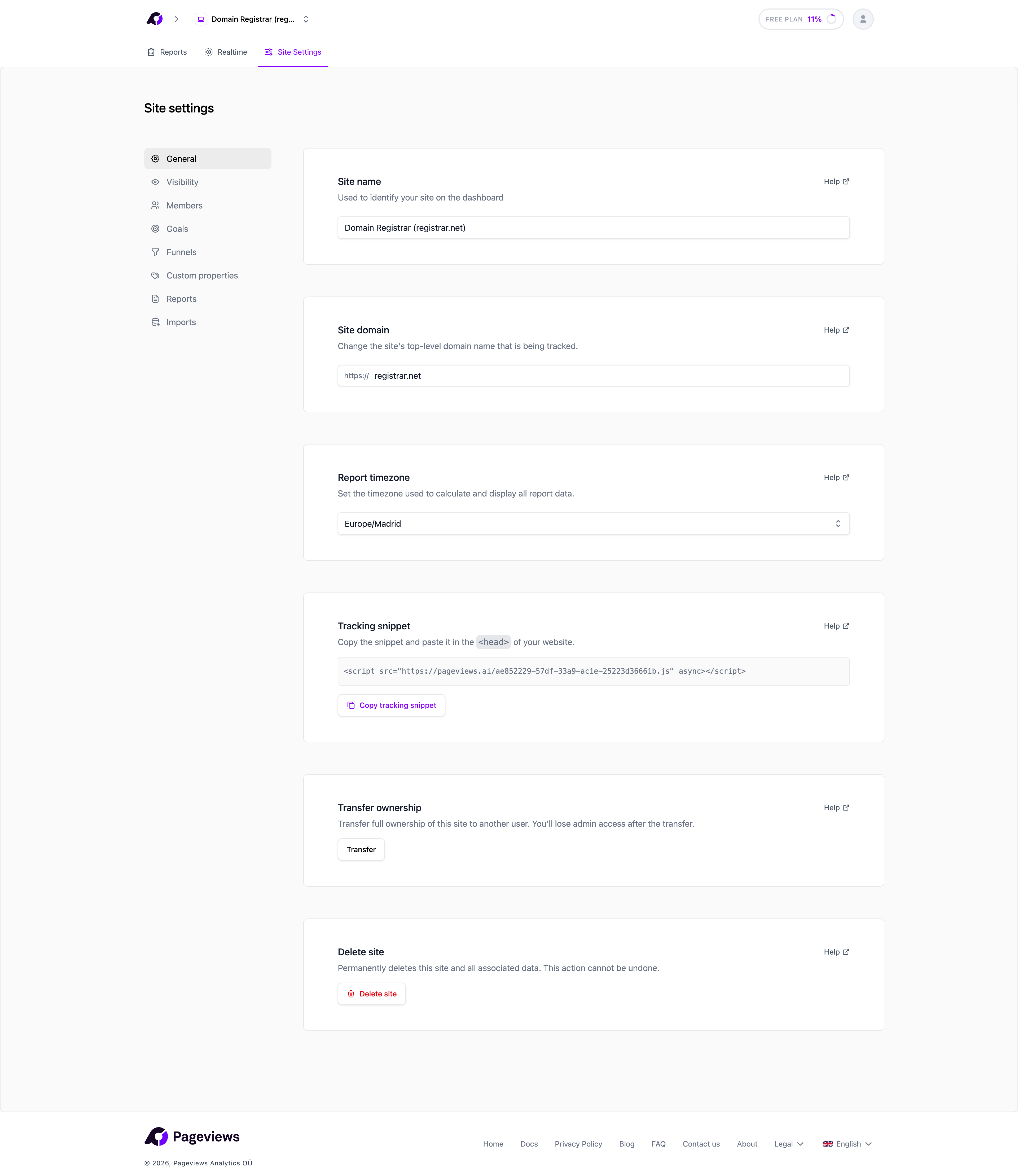
Site name
Your site name is a friendly label that appears in your dashboard and site list. It doesn't affect tracking — it's purely for your convenience.
To change it, enter a new name and click Save.
Site domain
The domain is the identifier used by the tracking script to associate pageviews with your site. It is automatically baked into your unique tracking snippet.
You can update the domain if your website moves to a new address. After changing it, you'll need to reinstall the tracking snippet on your website since a new script URL will be generated.
Timezone
Your site's timezone determines how dates and times are displayed in your reports. For example, if your site is set to "Europe/London", the "Today" report will show data from midnight to midnight in London time.
Choose the timezone that matches your target audience or your business location.
Tracking snippet
Your unique tracking snippet is displayed on this page. You can copy it at any time and add it to your website. See the Add the tracking snippet to your website article for installation instructions.
{screenshot: tracking snippet section in settings}
Tracking features
Below the tracking snippet, you can toggle several automatic tracking features on or off:
- Hash routing — Enable this if your website uses hash-based routing (e.g.,
example.com/#/page). When enabled, the tracker treats the URL fragment as the page path instead of the pathname. This is common in single-page applications built with frameworks that use hash routing. - Outbound link tracking — Automatically tracks clicks on links that point to external domains. Recorded as a
Outbound Link: Clickcustom event with the destination URL as a property. - File download tracking — Automatically tracks clicks on links to downloadable files (PDF, ZIP, DOCX, etc.). Recorded as a
File Downloadcustom event with the file URL as a property. - Form submission tracking — Automatically tracks form submissions on your site. Recorded as a
Form Submissioncustom event.
Changes to these settings take effect within one hour as the tracker configuration is cached.
Delete site
At the bottom of the General settings page, you'll find the option to delete your site. This action is permanent and cannot be undone — all analytics data for this site will be deleted. See the Delete your site data article for more details.