Traffic sources
The Sources report shows you where your website visitors are coming from. Understanding your traffic sources helps you focus your marketing efforts and measure campaign effectiveness.
Source categories
Pageviews automatically categorizes your traffic into these channels:
- Direct — Visitors who typed your URL directly or used a bookmark. Also includes traffic where the referrer is not available.
- Search — Traffic from Google, Bing, DuckDuckGo, Yahoo, Baidu, Yandex, and other search engines.
- Social — Traffic from social platforms like Twitter/X, Facebook, LinkedIn, Reddit, YouTube, etc.
- Paid — Traffic from paid campaigns, identified by UTM medium values like
cpc,ppc, orpaid. - Email — Traffic from email campaigns, identified by UTM medium values like
emailornewsletter, or from mail provider referrers. - Referral — Traffic from other websites that link to yours and don't fit the above categories.
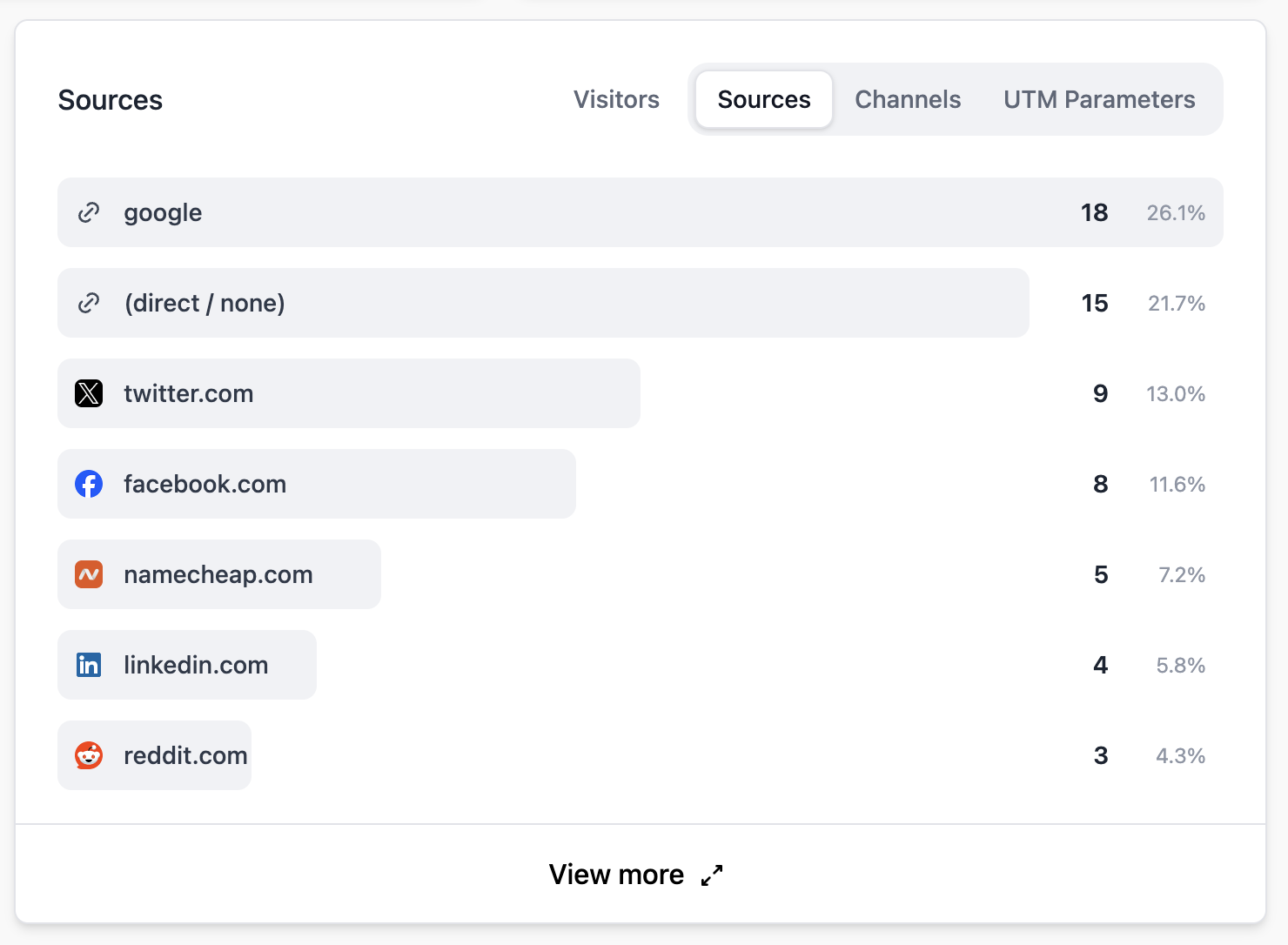
Metrics
For each source, you'll see:
- Visitors — The number of unique visitors from this source.
- Bounce rate — How often visitors from this source leave after one page.
- Visit duration — The average time visitors from this source spend on your site.
UTM parameters
You can use UTM parameters in your campaign URLs to track specific campaigns, mediums, and sources. Pageviews recognizes the following parameters:
utm_source— Identifies the traffic source (e.g.,newsletter,twitter).utm_medium— Identifies the marketing medium (e.g.,email,social,cpc).utm_campaign— Identifies the specific campaign (e.g.,spring-sale).
Example URL:
https://example.com/?utm_source=newsletter&utm_medium=email&utm_campaign=spring-saleFiltering by source
Click on any source to filter your entire dashboard by that source. This lets you see which pages, countries, and devices are associated with traffic from a specific source.