Register and add your first site
To start using Pageviews, you need to create an account and add your first website. The entire process takes less than two minutes.
Create your account
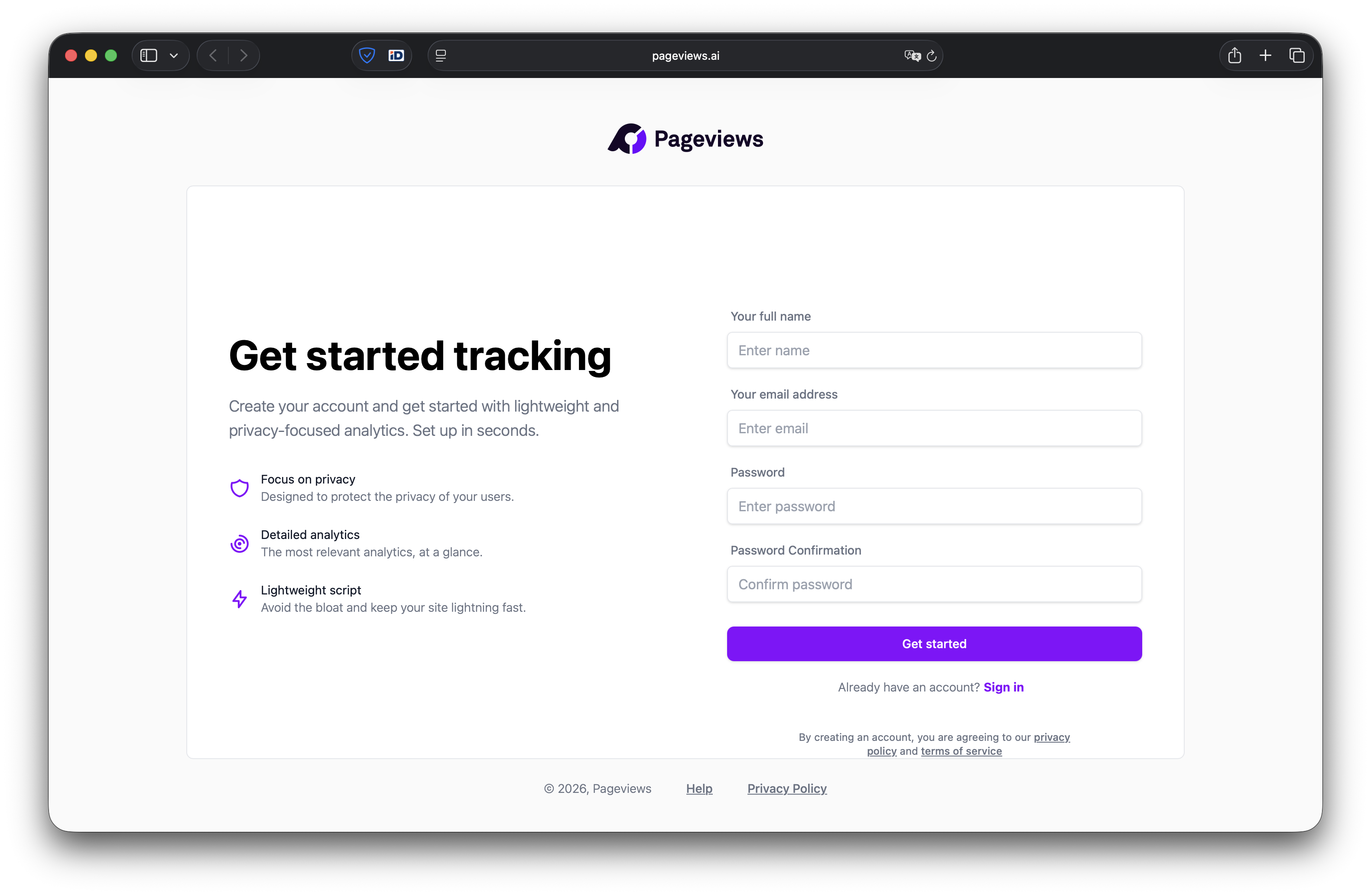
Visit the registration page and enter your name, email address, and a secure password. You'll receive a verification email — click the link to confirm your account.
Add your first site
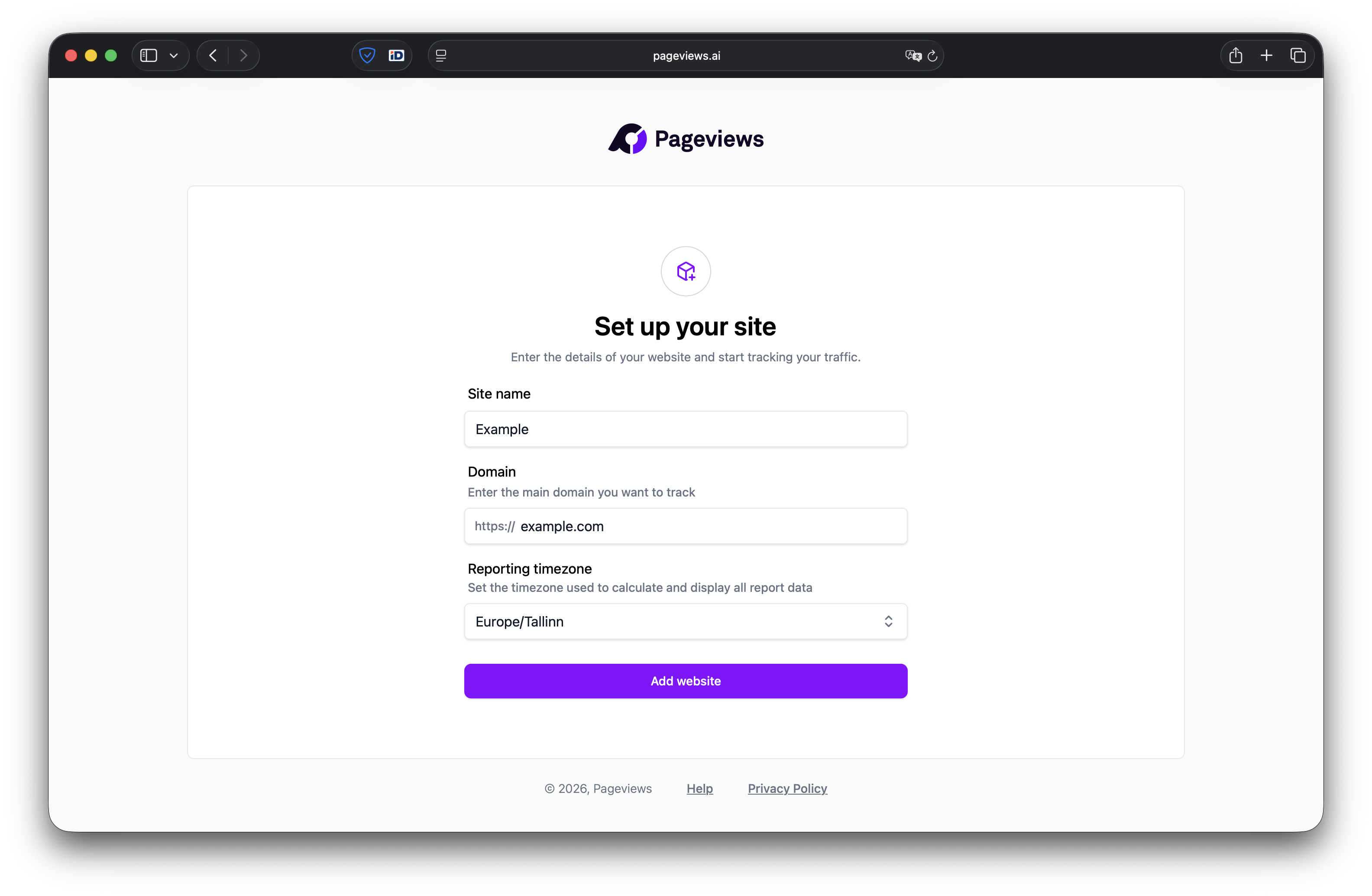
After registering, you'll be taken to the onboarding flow where you can add your first website:
- Enter your website domain (e.g.,
example.com). You don't need to includehttps://— just the bare domain. - The domain is used as a unique identifier for your site. You can track subdomains by entering the full subdomain (e.g.,
blog.example.com). - Click Continue to proceed to the plan selection.
Choose a plan
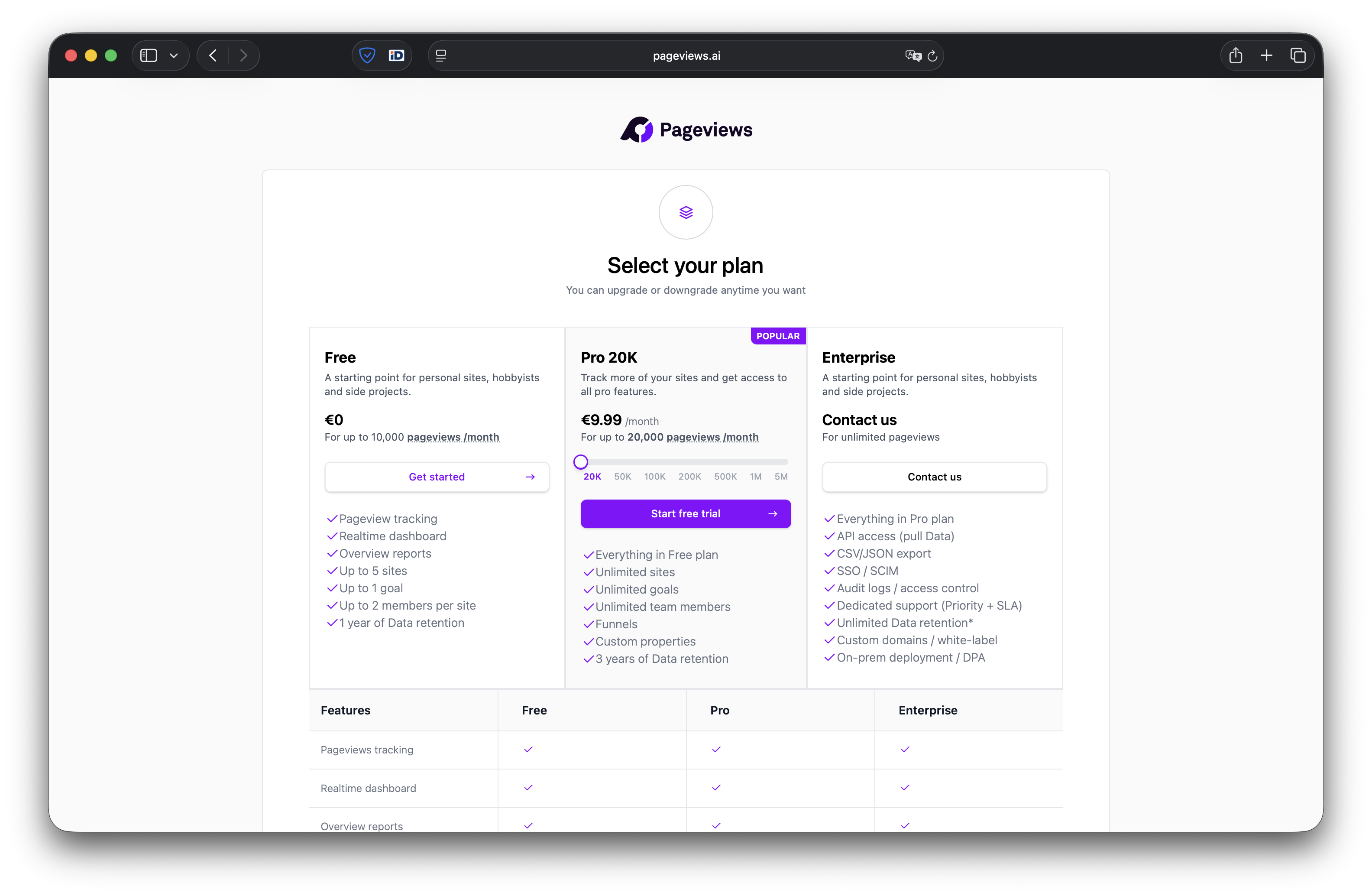
Select the plan that fits your needs. Every account starts with a Free plan that includes up to 20,000 pageviews per month and core reporting features. You can upgrade at any time.
See our Plans and usage article for a full comparison of what each plan includes.
Next steps
After choosing a plan, you'll be shown your tracking snippet. Follow the next guide to install it on your website.