Account overview
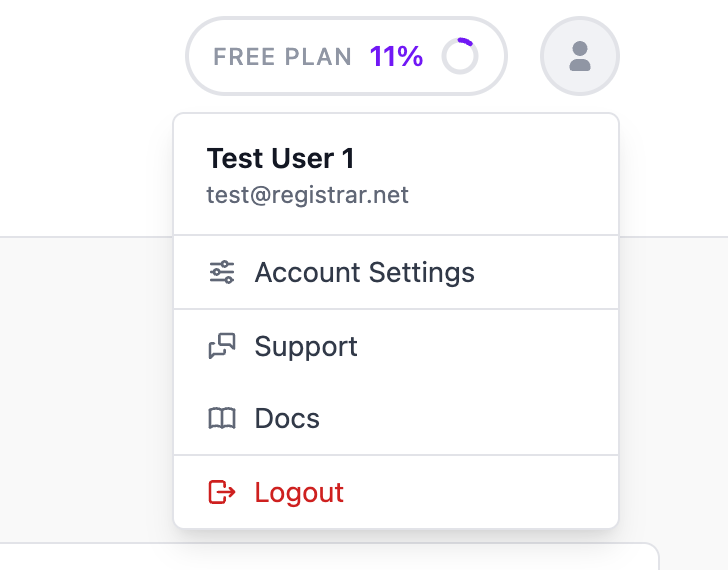
Your account settings let you manage your personal profile, security, preferences, and subscription. Access them by clicking your profile photo in the top-right corner and selecting Account Settings.
General settings
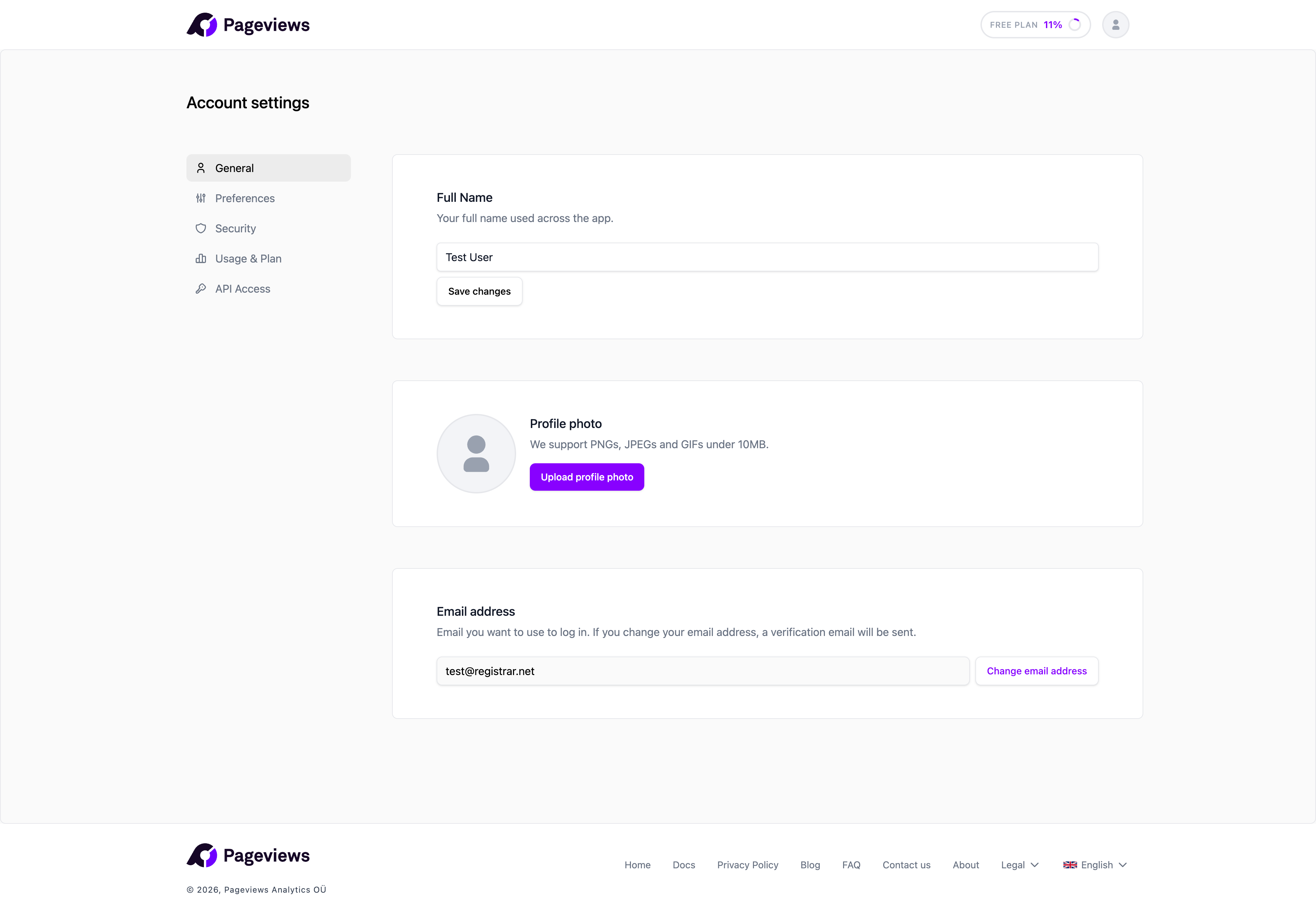
On the General tab, you can update:
- Profile photo — Upload a photo that appears in your dashboard and team member lists.
- Name — Your display name visible to team members.
- Email address — The email used for login and notifications. Changing your email requires verification of the new address.
Preferences
On the Preferences tab, you can customize:
- Default landing tab — Choose whether you land on the Reports or Realtime tab when opening a site.
- Date and time format — Set your preferred format for displaying dates and times throughout the dashboard.
Security
The Security tab lets you manage your password, two-factor authentication, and active sessions. See the dedicated articles for more details.
Usage and plan
The Usage & Plan tab shows your current plan, feature limits, and usage statistics. See the Plans and usage article for details.