Active sessions
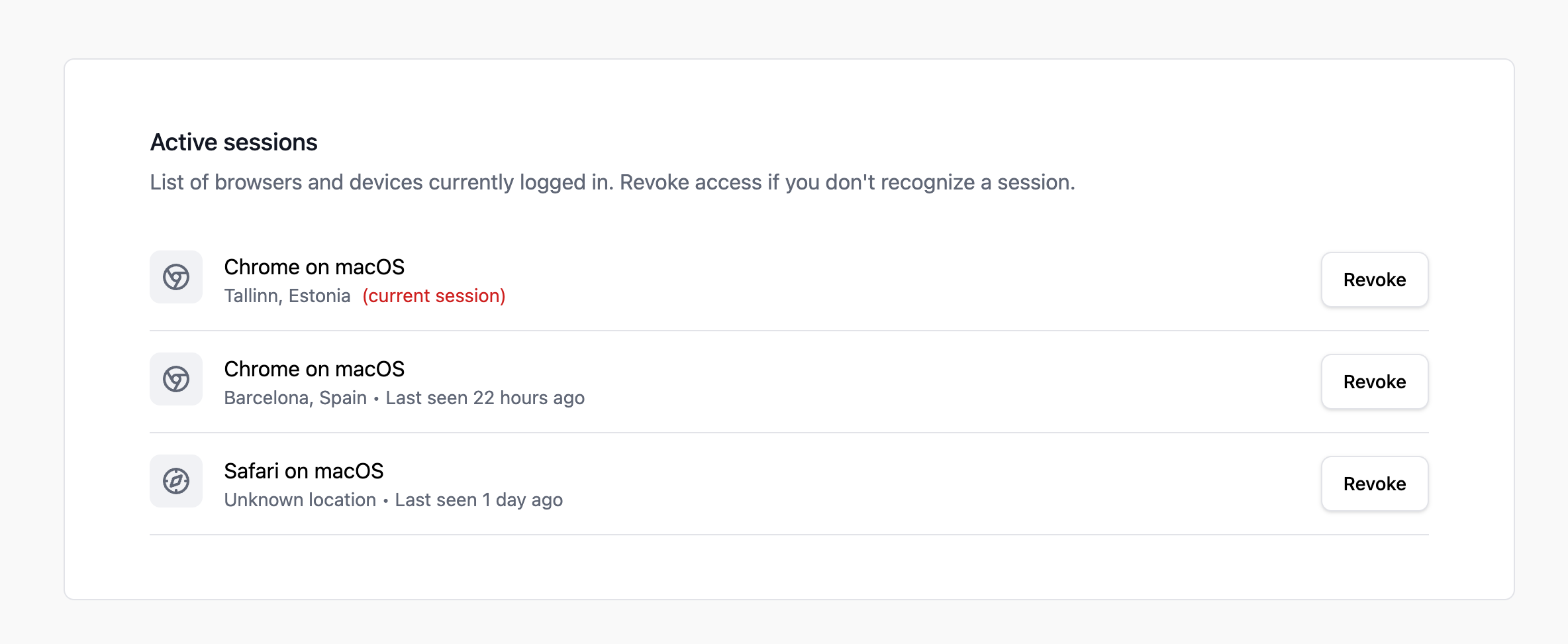
The Active Sessions section in your security settings shows all the devices and browsers where you're currently logged in to Pageviews.
Viewing your sessions
Go to Account Settings → Security and scroll to the Active Sessions section. For each session, you'll see:
- Device and browser — e.g., "Chrome on macOS".
- IP address — The IP address used for the session.
- Last active — When the session was last used.
- Current session — Your current session is marked so you can identify it.
Revoking a session
If you see a session you don't recognize, or you want to log out from a device you no longer use:
- Click the Revoke button next to the session.
- The session will be immediately invalidated and the user will be logged out on that device.
When to revoke sessions
- You see a session from a device you don't recognize.
- You lost a device or it was stolen.
- You used a public or shared computer and forgot to log out.
- You changed your password and want to ensure no old sessions remain active.