Delete your account
If you no longer need Pageviews, you can permanently delete your account and all associated data.
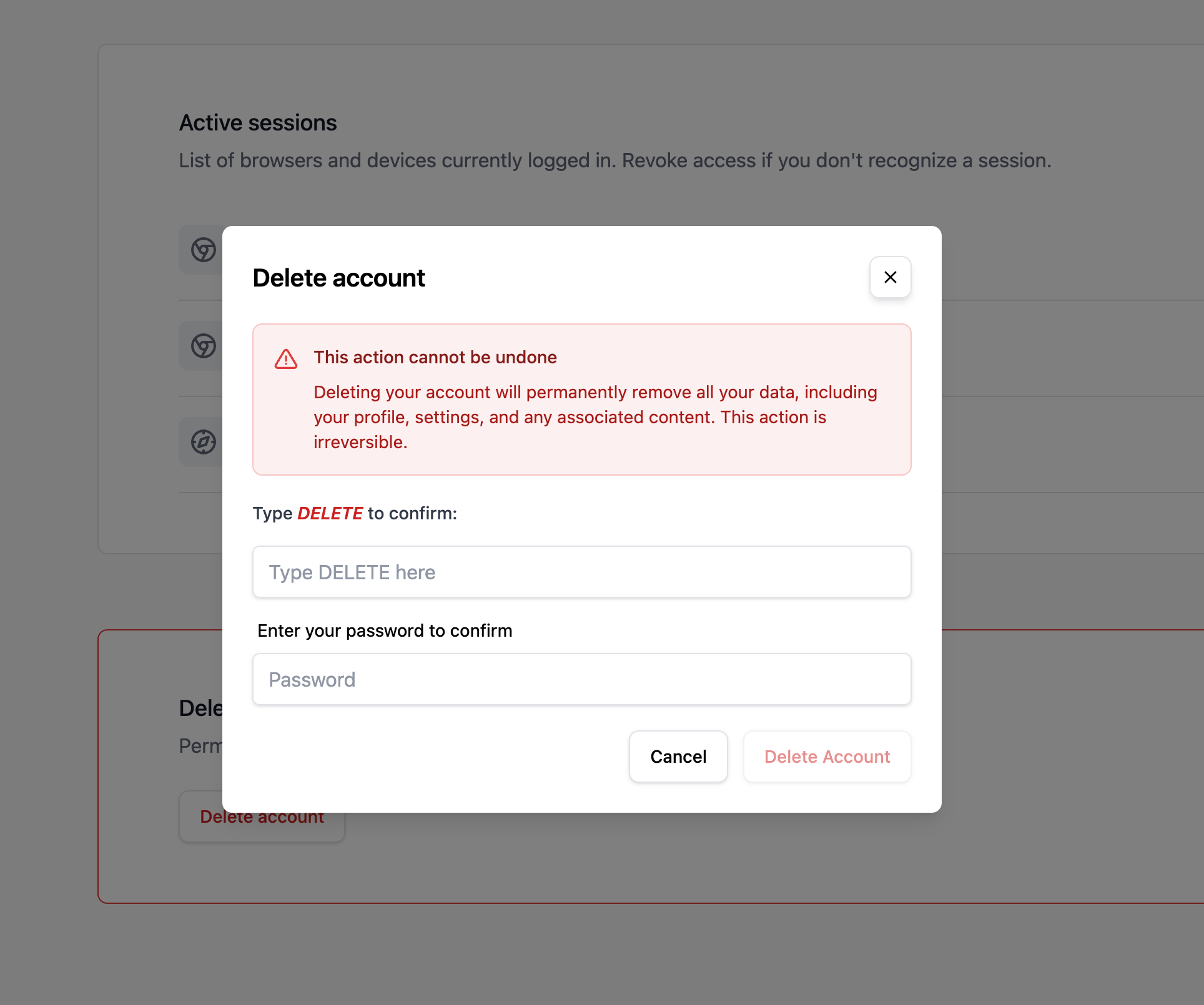
How to delete your account
- Go to Account Settings → Security.
- Scroll to the Delete Account section at the bottom of the page.
- Click Delete Account.
- Confirm by entering your password.
What gets deleted
Deleting your account permanently removes:
- Your user account and all personal information.
- All sites you own and their analytics data.
- All goals, funnels, and custom properties for your sites.
- Your subscription — it will be cancelled immediately.
- All API tokens.
Important considerations
- This action is permanent and cannot be undone.
- If you are the owner of sites that have other team members, consider transferring ownership before deleting your account so they don't lose access.
- Sites where you are a member (but not the owner) will simply remove you from the team — they won't be deleted.
- If you have an active subscription, it will be cancelled and you will not be charged again.
Alternative: just cancel your subscription
If you just want to stop paying but keep your data accessible, consider cancelling your subscription instead. Your account will revert to the Free plan and your historical data will remain available.